Skip to content
View in the app

A better way to browse. Learn more.

Guys from Andromeda Community

A full-screen app on your home screen with push notifications, badges and more.

To install this app on iOS and iPadOS
  1. Tap the Share icon in Safari
  2. Scroll the menu and tap Add to Home Screen.
  3. Tap Add in the top-right corner.
To install this app on Android
  1. Tap the 3-dot menu (⋮) in the top-right corner of the browser.
  2. Tap Add to Home screen or Install app.
  3. Confirm by tapping Install.

nightson

Members
  • Joined

  • Last visited

Everything posted by nightson

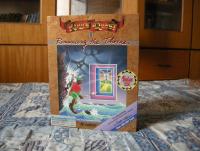
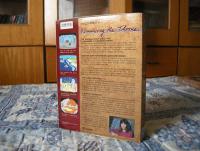
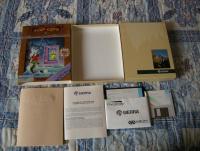
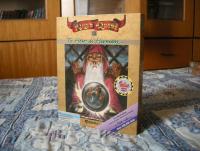
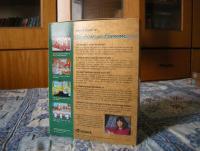
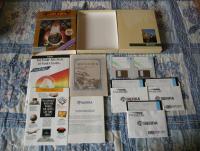
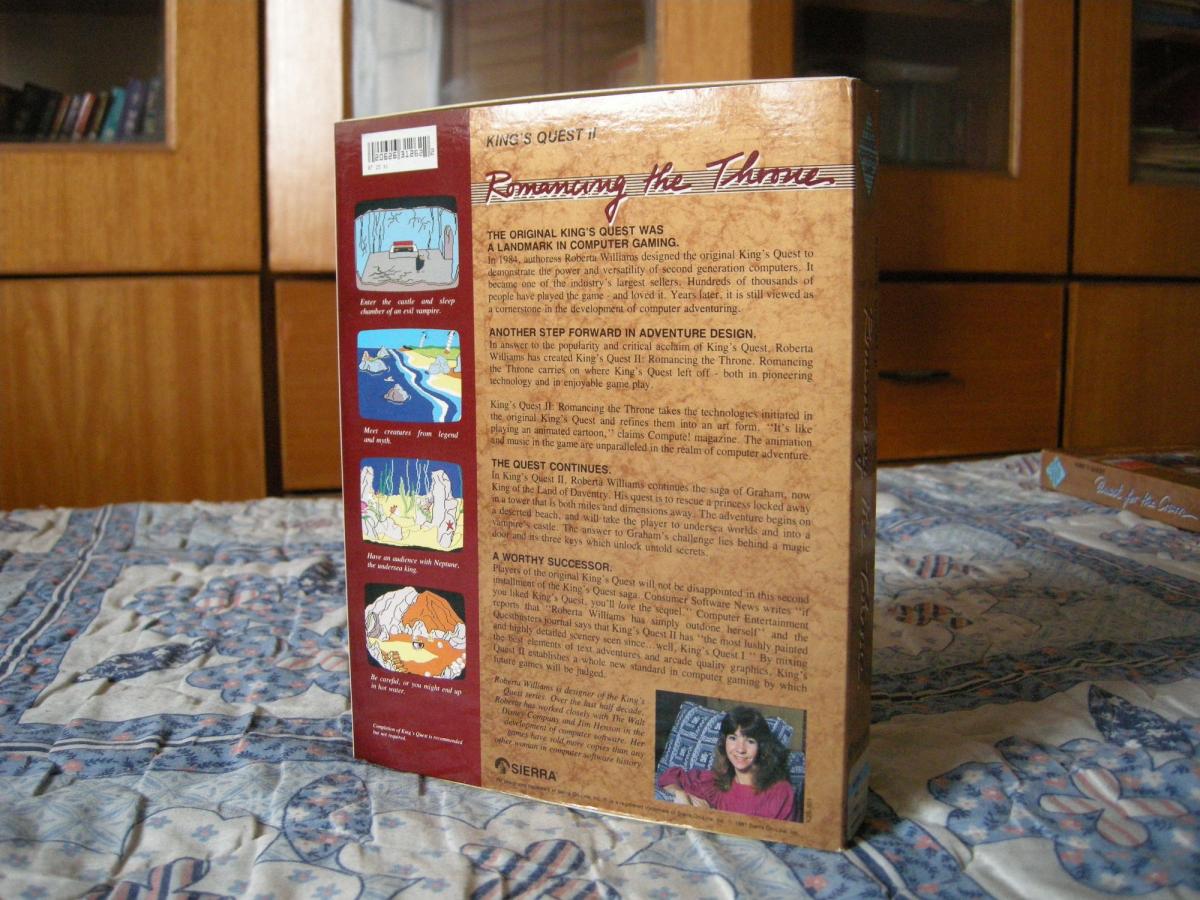
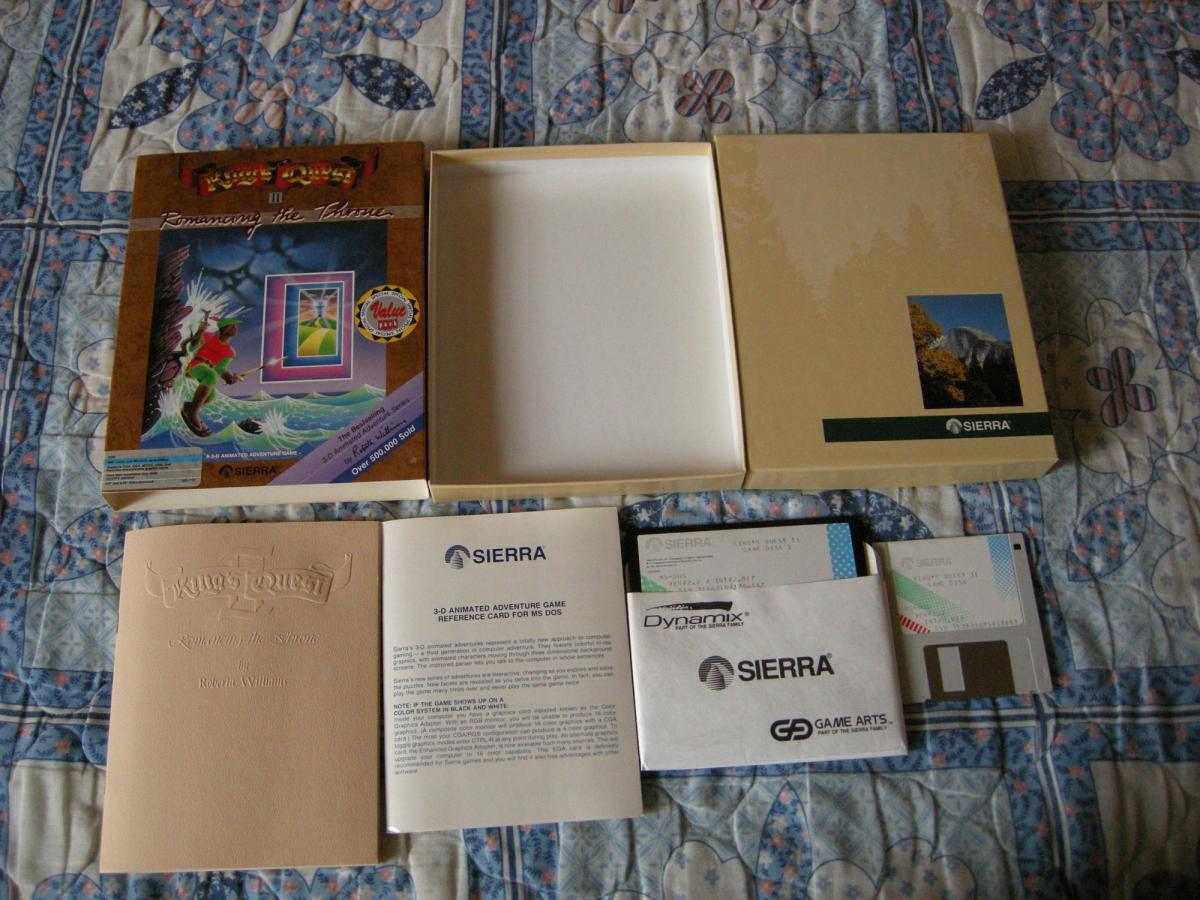
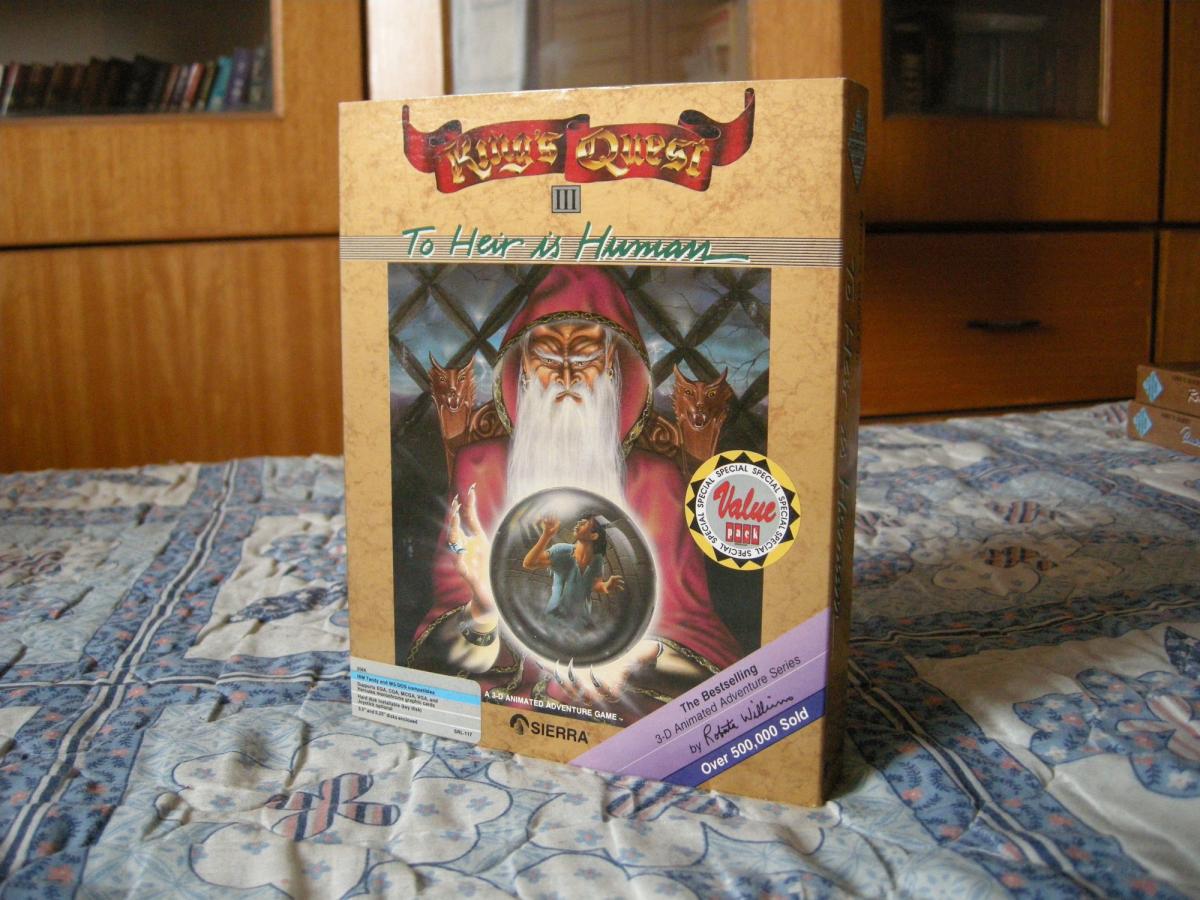
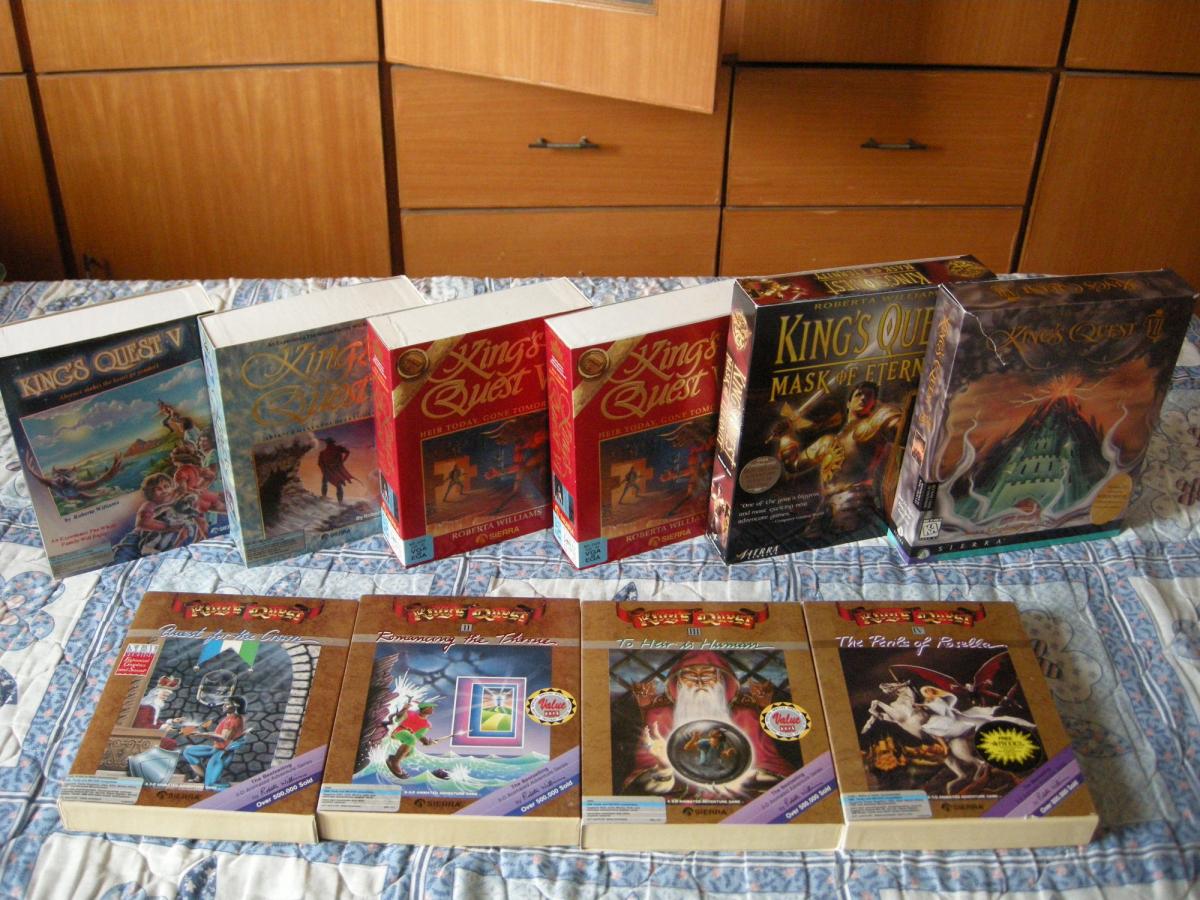
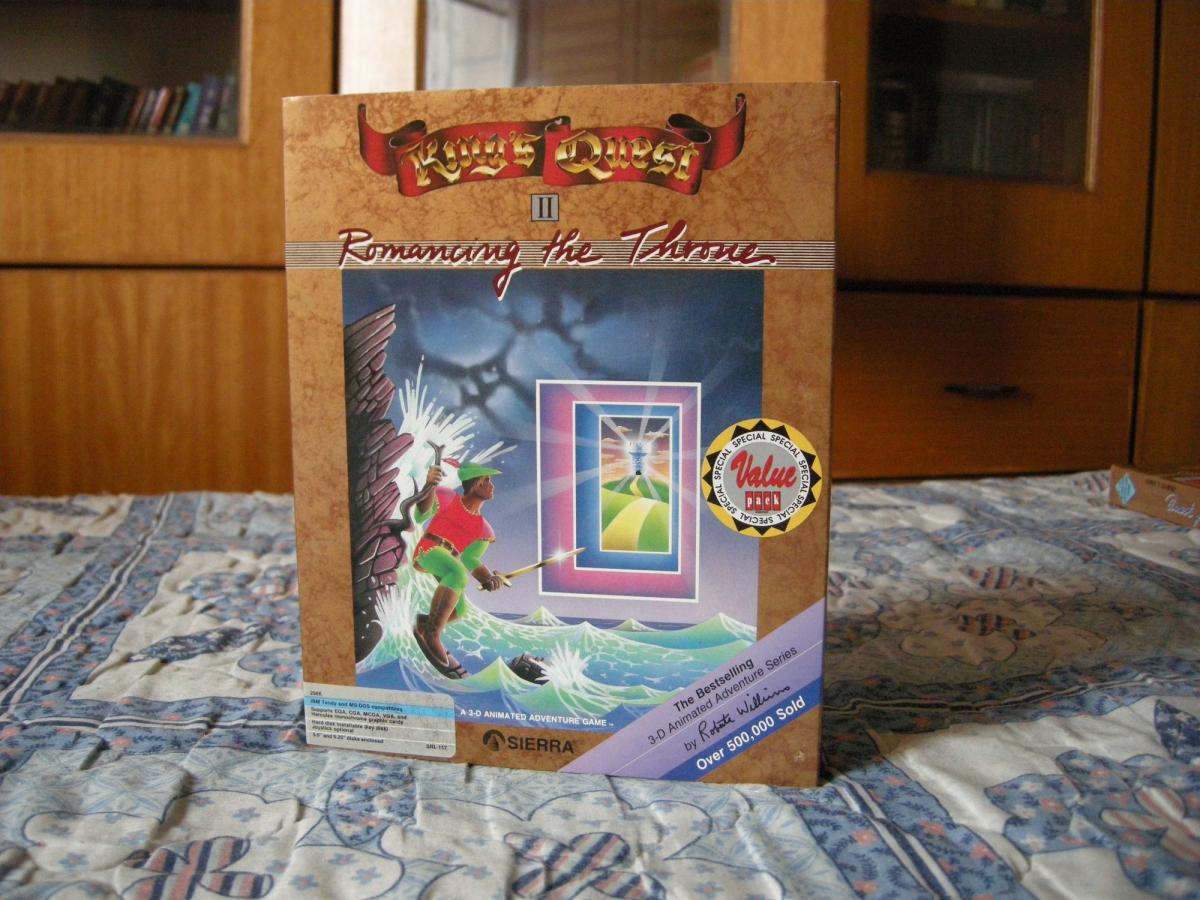
  1. I have attached some photos of the mentioned "Special Value Pack" releases of KQ for you. They look far more superior than normal Slash releases. However, I'm not so sure about it since I got them from an eBay auction at a very low price ($50) together with the other six KQ games(photos also attached)
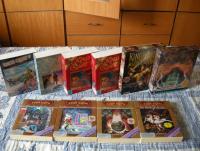
  2. Just saw this on ebay. http://www.ebay.com/itm/171399920673 I have bought several KQ games with the same sticker. The contents of these "Special Value Pack" seems to have no difference than the standard ones(i.e. not SLASH). Anyone knows more about these releases?
Account

Navigation

Search

Search

Configure browser push notifications

Chrome (Android)
  1. Tap the lock icon next to the address bar.
  2. Tap Permissions → Notifications.
  3. Adjust your preference.
Chrome (Desktop)
  1. Click the padlock icon in the address bar.
  2. Select Site settings.
  3. Find Notifications and adjust your preference.